Expert Network Setup for Small Businesses in Brisbane
Setting up a strong network for your small business in Brisbane doesn’t have to be hard. Here are some key things to remember from this guide.
Key Takeaways
- Always check your current network setup before making changes.
- Pick hardware that fits your business size and future plans.
- Use strong security, including firewalls and regular updates.
- Cloud tools like Microsoft 365 make work easier and safer.
- A local IT partner can save you time and fix problems fast.
Understanding Your Small Business Network Needs in Brisbane
Setting up a business network in Brisbane might seem like a big task, but it really comes down to understanding what your company actually needs to get things done. Think about how your team works day-to-day. What software do you use? How do people share files? Do you have a lot of people working from different locations? Answering these questions helps us figure out the best way to build a network that supports your business, not gets in the way of it.
Assessing Current Network Infrastructure
Before we build anything new, it’s smart to look at what you already have. This means checking your current internet connection, your Wi-Fi setup, and any servers or computers you’re using. Are they fast enough? Are they reliable? Sometimes, small tweaks to your existing setup can make a big difference. For example, are your Wi-Fi access points placed well to cover your whole office in Brisbane? Or are there dead spots? We can help you figure out if your current gear is up to the job or if it’s time for an upgrade.
Identifying Business-Specific Requirements
Every business in South East Queensland is different. A small accounting firm in Brisbane has different needs than a busy cafe or a construction company. You need to think about:
- Software: What programs are critical for your work? Do they need a fast connection or lots of storage?
- Users: How many people will be using the network, and what will they be doing?
- Data: How much information do you handle, and how sensitive is it? This affects security needs.
- Location: Do you have multiple offices, or do staff work from home? This impacts how the network needs to connect everyone.
Understanding these specifics helps us design a network that fits your business perfectly. For instance, if you handle a lot of large files, we’ll focus on making sure your network can handle that speed. If you need to connect multiple sites, we’ll look at the best ways to do that securely.
Scalability for Future Growth
Brisbane is a growing city, and your business likely wants to grow too. Your network should be able to grow with you. We design networks with the future in mind. This means choosing hardware and setting things up in a way that makes it easy to add more users, more devices, or more services later on without a complete overhaul. A network that can scale easily saves you time and money down the road. Think about adding new staff or expanding to a new location. Your network should be ready for it.
Planning your network needs now means you won’t have to deal with costly and disruptive changes later. It’s about building a solid foundation for your business’s future success in the Brisbane market.
If you’re unsure where to start with assessing your network needs, it’s a good idea to get a professional opinion. Contact OutTask today or book a free IT assessment to discuss your business’s specific requirements.
Designing A Robust Network Infrastructure
Setting up a solid network is like building the foundation for your business operations in Brisbane. It needs to be strong, reliable, and able to handle whatever you throw at it, now and in the future. We’re talking about the wires, the routers, the Wi-Fi – all the bits that let your computers and devices talk to each other and the outside world.
Choosing the Right Hardware
Think of hardware as the building blocks of your network. For a small business in South East Queensland, you don’t necessarily need the most expensive gear, but you do need equipment that’s built to last and perform. This means looking at things like:
- Routers and Switches: These are the traffic directors of your network. A good router connects your business to the internet, and switches connect all your devices together. For most small businesses, a business-grade router and a few managed switches will do the trick. Managed switches give you more control over your network traffic, which is handy.
- Network Cables: Don’t skimp here. Using the right category of Ethernet cable (like Cat 6 or Cat 6a) makes a big difference in speed and reliability. Poor quality cables can cause all sorts of weird issues that are hard to track down.
- Wireless Access Points (APs): If you rely on Wi-Fi, you need good APs. One or two cheap routers won’t cut it for a whole office. Business-grade APs provide better coverage, handle more users at once, and offer more security features. We often recommend UniFi equipment for its balance of performance and cost for Brisbane businesses.
Implementing Secure Network Segmentation
This might sound technical, but it’s really about creating separate zones on your network. Imagine your office has different departments – you wouldn’t want the sales team’s files easily accessible by the cleaning crew, right? Network segmentation does something similar for your data.
- Separate Guest Wi-Fi: Always have a separate Wi-Fi network for visitors. This keeps them off your main business network and protects your sensitive information.
- Isolate Sensitive Systems: If you have systems that handle payments or patient data, consider putting them on their own network segment. This limits who can access them and what they can do.
- Use VLANs: Virtual Local Area Networks (VLANs) are a common way to achieve segmentation. They let you group devices logically, even if they’re physically plugged into the same switch. This is a key part of building a secure network.
A well-segmented network acts like a series of locked doors within your business. If one area is compromised, the others remain secure, significantly reducing the impact of a security breach. This layered approach is vital for protecting your business data in today’s threat landscape.
Optimising Wireless Connectivity
Slow or unreliable Wi-Fi is a major frustration for any business in Brisbane. It impacts productivity and can even affect customer experience if you offer guest Wi-Fi.
- Plan Your Placement: Don’t just stick an access point in the corner. Think about where your staff work, where they need the strongest signal, and any physical obstructions like walls or large equipment.
- Use Enough Access Points: For most small offices, one built-in router Wi-Fi won’t cover the whole space effectively. Adding dedicated access points strategically placed throughout your office will give you much better and more consistent coverage.
- Secure Your Wi-Fi: Always use strong WPA2 or WPA3 encryption and a complex password. Avoid older, less secure methods. For guest networks, ensure they are completely separate from your internal network.
Getting your network right from the start saves a lot of headaches down the line. If you’re unsure about the best hardware or how to set up your network securely, it’s worth getting expert advice. Contact OutTask today or book a free IT assessment to discuss your specific needs for your Brisbane business.
Essential Network Security for Brisbane Businesses
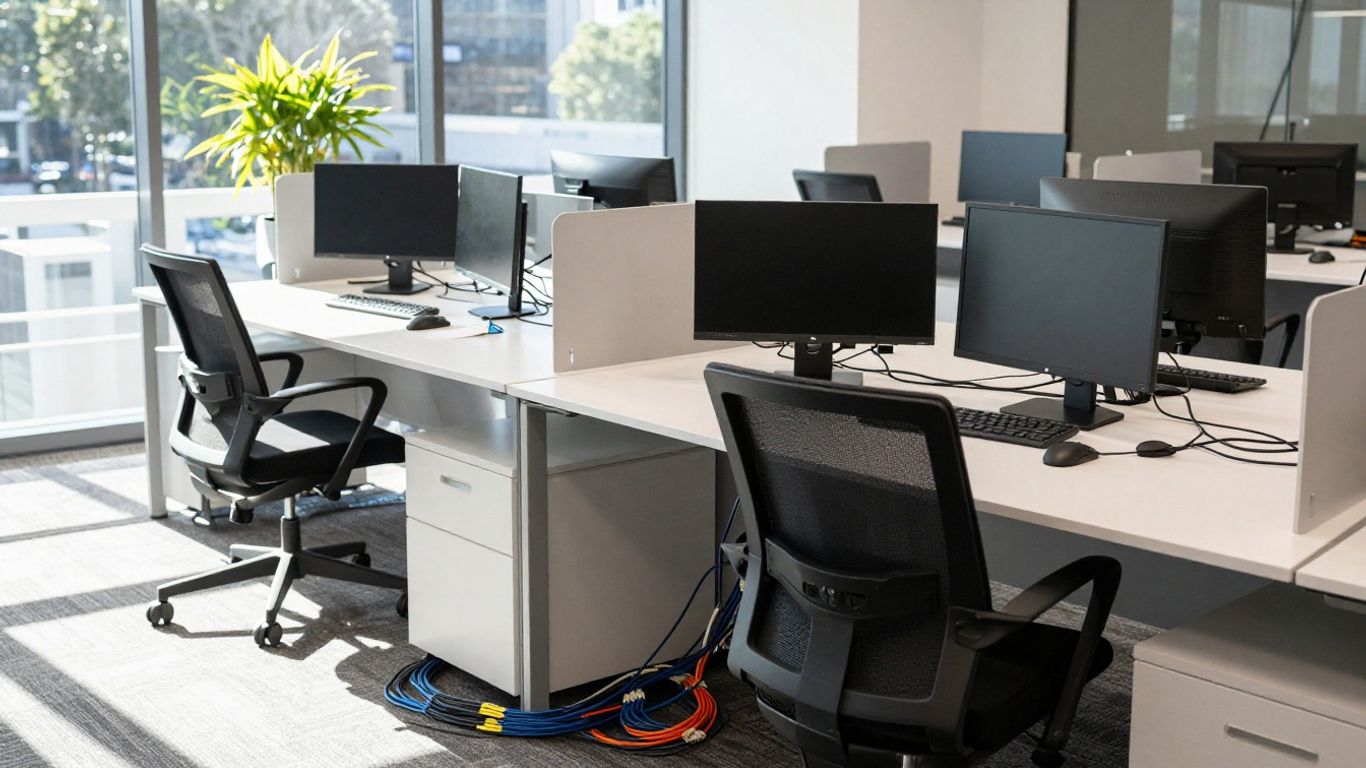
Keeping your business safe from online threats is a big deal, especially here in Brisbane. Cyberattacks are getting more common, and the cost of a data breach can be huge for any small business in South East Queensland. It’s not just about protecting your computers; it’s about protecting your customer data, your finances, and your reputation.
Firewall Configuration and Management
Think of your firewall as the main gatekeeper for your business network. It controls what traffic comes in and goes out. A properly set up firewall can block a lot of nasty stuff before it even gets close to your computers. We recommend a multi-layered approach, starting with a solid hardware firewall at the edge of your network.
- Keep it updated: Firewalls need regular updates, just like your operating system. These updates patch security holes that attackers might try to use.
- Configure rules carefully: Don’t just open everything up. Only allow the traffic that your business absolutely needs to function. This is a key part of the Essential Eight framework.
- Monitor logs: Regularly check your firewall logs. They can show you suspicious activity that you might otherwise miss.
Implementing Virtual Private Networks (VPNs)
If your team works from home or travels, a VPN is a must. It creates a secure, encrypted tunnel over the internet, making it look like your remote workers are actually in the office. This protects any data they send or receive from being intercepted.
- Use strong passwords and multi-factor authentication (MFA): Even with a VPN, weak login details are a weak point. MFA adds an extra layer of security.
- Only allow VPN access when needed: Don’t leave VPN connections open all the time if they aren’t being used.
- Train your staff: Make sure everyone knows how to connect to the VPN correctly and understands why it’s important.
Regular Security Audits and Updates
Security isn’t a one-time setup; it’s an ongoing process. You need to regularly check that your systems are still secure and that all your software is up-to-date. This includes:
- Software patching: Make sure all your operating systems, applications, and security software are updated promptly. Many attacks exploit known vulnerabilities in older software.
- Security assessments: Periodically have your network and systems reviewed by IT professionals. They can spot weaknesses you might not see.
- Staff training: Your team is often the first line of defence. Regular training on identifying phishing emails and safe online practices is vital.
Protecting your business network in Brisbane doesn’t have to be overly complicated. By focusing on strong firewall rules, secure remote access with VPNs, and consistent updates and checks, you build a much more resilient defence against cyber threats. It’s about being proactive rather than reactive.
If you’re unsure about your current network security or want to make sure your Brisbane business is protected, contact OutTask or book a free IT assessment today. We help businesses across South East Queensland stay secure and running smoothly.
Managed Network Services in Brisbane
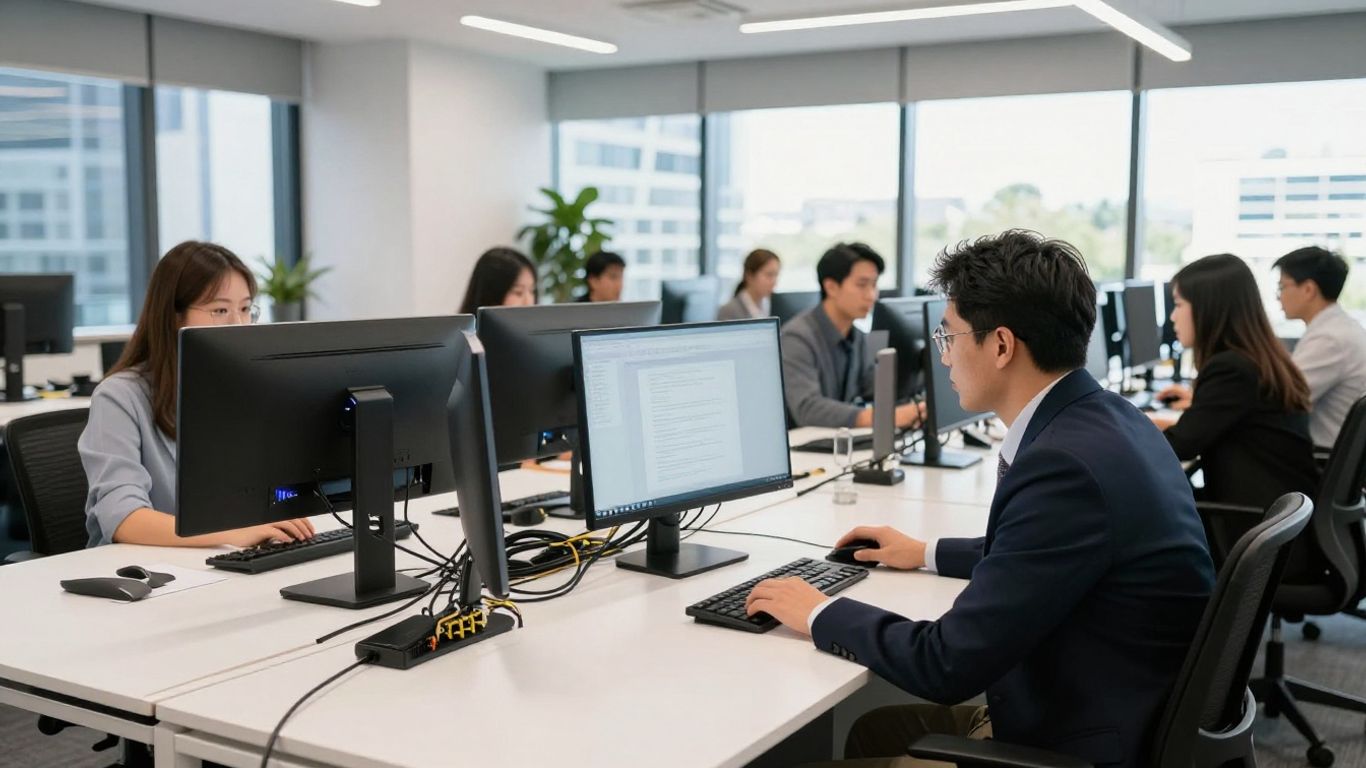
Running a small business in Brisbane means you’re busy. You’ve got clients to look after, staff to manage, and a million other things to keep track of. The last thing you need is your computer network acting up. That’s where managed network services come in. Think of it like having a dedicated IT team on standby, watching over your network 24/7 to make sure everything runs smoothly.
Proactive Network Monitoring
Instead of waiting for something to break, managed services keep an eye on your network all the time. This means we can often spot a small issue, like a piece of equipment starting to fail or a security threat, and fix it before it causes any real problems for your business in South East Queensland. It’s like having a mechanic who tunes up your car regularly so you don’t end up stranded on the M1.
- Constant Watch: We use special tools to monitor your network’s performance and security around the clock.
- Early Warnings: If something looks off, we get an alert immediately.
- Preventative Fixes: We can often fix issues remotely before they impact your work.
This proactive approach saves you time, money, and a lot of stress. It means fewer unexpected disruptions and more time for you to focus on what you do best.
Remote and On-Site Support
When you do need help, our team is ready. We can often solve problems remotely, which is fast and efficient. But we know some things need a hands-on approach. That’s why we also provide on-site support right here in Brisbane and across South East Queensland. Whether it’s a quick fix or a more complex setup, we’ll be there.
- Fast Remote Fixes: Most common issues can be resolved without anyone needing to visit your office.
- Local On-Site Presence: Our technicians are based locally and can come to your business when needed.
- All Your IT Needs: From software glitches to hardware problems, we handle it all.
Vendor-Agnostic Solutions
We don’t tie you down to one brand or type of equipment. Our goal is to find the best solutions for your business, not just push a particular product. We work with a wide range of technology to make sure you get what’s right for your needs and budget. This means you get a network that’s built for you, not just what’s easiest for us to supply. If you’re looking to improve your wireless setup, check out UniFi WiFi installation services in Brisbane.
We focus on finding the right fit for your business, not just selling you hardware.
Managed network services take the worry out of IT. Let us handle the technical side so you can concentrate on growing your business in Brisbane. Ready to see how we can help? Contact OutTask or book a free IT assessment today.
Leveraging Cloud Technologies for Network Efficiency
These days, most businesses in Brisbane and across South East Queensland are using cloud services in some way. It’s not just about email anymore; the cloud can really help make your network run smoother and be more flexible. Think of it like having a super-efficient assistant for your technology.
Microsoft 365 Integration
If your business uses Microsoft 365, you’re already halfway there. It’s more than just Word and Outlook. Microsoft 365 includes tools like Teams for communication, SharePoint for file sharing, and OneDrive for cloud storage. Getting these tools to work together properly can make a big difference in how your team collaborates. For example, you can set up shared document libraries in SharePoint so everyone is working on the latest version of a file, cutting down on confusion and duplicate work. It also means your team can access files from anywhere, which is great for those working remotely or out in the field across Queensland.
Cloud-Based Network Management Tools
Managing your network doesn’t have to mean being tied to a server room. Many cloud-based tools let you monitor and manage your network from anywhere. This means your IT support team, whether they’re down the road in Brisbane or further afield, can keep an eye on things 24/7. They can spot potential problems, like a slow internet connection or a device acting up, before they actually cause downtime for your business. This proactive approach means fewer interruptions and more time for you to focus on running your business.
Backup and Disaster Recovery Planning
What happens if something goes wrong? A power outage, a hardware failure, or even a cyber attack could bring your business to a standstill. Cloud-based backup and disaster recovery solutions are a lifesaver for businesses in South East Queensland. They automatically back up your important data to secure off-site servers. This means if the worst happens at your office, your data is still safe and can be restored quickly. Having a solid disaster recovery plan in place is not just good practice; it’s vital for keeping your business running.
Relying on the cloud for these functions means your business can bounce back much faster after an unexpected event. It’s about making sure your operations can continue with minimal disruption, protecting your revenue and your reputation.
Ready to see how cloud technology can streamline your Brisbane business’s network? Contact OutTask today or book a free IT assessment to discuss your needs.
Partnering for Seamless Network Setup
Setting up a new network or upgrading an existing one can feel like a big task, especially when you’re focused on running your business in Brisbane. That’s where partnering with the right IT expert makes all the difference. Think of it like building a house – you wouldn’t try to do all the electrical and plumbing yourself if you’re not a qualified tradesperson. The same applies to your business network.
Selecting a Local IT Expert
When you’re looking for help, it’s smart to find someone local to Brisbane or South East Queensland. A local provider understands the unique business landscape here and can offer faster on-site support if needed. Look for a company that has a good track record, maybe with testimonials from other local businesses. It’s also a good idea to check if they have experience with the type of technology you use or plan to use. For instance, if you’re planning a UniFi network setup, finding a provider with certified UniFi engineers is a big plus.
Here’s what to consider when choosing a partner:
- Local Presence: Someone based in Brisbane means quicker response times and a better understanding of local business needs.
- Experience: Do they have a history of successful network setups for businesses similar to yours?
- Communication: Can they explain technical things in a way you understand? No one likes jargon.
- Accountability: Who is responsible if something goes wrong? A good partner takes ownership.
The Onboarding Process
Once you’ve chosen a provider, the onboarding process should be clear and straightforward. A good IT partner will want to understand your business inside and out before they start making changes. This usually involves a few key steps:
- Initial Assessment: They’ll look at your current setup, talk about your business goals, and identify any pain points.
- Network Design: Based on the assessment, they’ll propose a network design tailored to your needs, including hardware recommendations and security measures.
- Implementation Plan: A clear timeline for setting up the new network, including any downtime you might experience (which they’ll aim to minimise).
- Configuration and Testing: Setting up all the equipment, configuring security settings, and thoroughly testing everything to make sure it works as expected.
A smooth onboarding means your new network is set up correctly from the start, avoiding future headaches and ensuring your business operations aren’t disrupted.
Ongoing IT Support and Consultation
Setting up the network is just the beginning. The real value comes from ongoing support and advice. Your IT partner should be there to monitor your network, handle any issues that pop up, and help you plan for the future. This could include:
- Proactive Monitoring: Keeping an eye on your network 24/7 to catch problems before they affect your business.
- Helpdesk Support: A reliable way to get help when you need it, whether it’s a quick question or a more complex issue.
- Regular Reviews: Meeting periodically to discuss how your network is performing and how it can be improved as your business grows.
- Security Updates: Staying on top of the latest security threats and making sure your network is protected.
Partnering with a local IT expert like OutTask means you get a dedicated team focused on keeping your Brisbane business running smoothly. They can help you scale your IT services as your business evolves. Ready to get your network sorted? Book a free IT assessment with OutTask today.
Conclusion
Getting your network setup right is one of the most important things you can do for your small business in Brisbane. It keeps your team working smoothly and your data safe. Whether you’re starting from scratch or fixing old problems, a good network plan saves you time and worry. If you want help or just want a second opinion, OutTask is here. Book a free IT assessment and see how we can help your business run better: Contact OutTask.
Frequently Asked Questions
How long does it take to set up a small business network in Brisbane?
Most setups take between one and four weeks, depending on how much needs to be done and if you have old equipment to replace.
Do I need a server for my small business?
Not always. Many businesses use cloud services like Microsoft 365 instead of a physical server these days.
What is network segmentation and why is it important?
Network segmentation means splitting your network into smaller parts. It stops problems from spreading and keeps data safer.
How often should I update my network equipment?
It’s a good idea to review your network every three to five years, or sooner if you have slow speeds or security issues.
Can I get support if something breaks after hours?
Yes, many IT providers in Brisbane, like OutTask, offer after-hours support plans so you’re not left waiting until morning.
What should I look for in a Brisbane IT partner?
Look for a local team with fast response times, clear answers, and a good track record with small businesses like yours.