Choosing the right managed IT services in Brendale, Brisbane for your small business
Key Takeaways
Choosing an IT partner is a critical decision for your business longevity and performance. These primary points offer a quick overview of how managed IT services support growth in the Brendale and Brisbane region:
- Local IT partners provide faster response times and accountability compared to remote-only outfits.
- Shifting from reactive repairs to proactive management prevents expensive downtime before it starts.
- Cybersecurity frameworks like the Essential 8 are vital to defend against modern Queensland-based digital threats.
- Microsoft 365 optimization maximizes your software investment while enabling seamless team collaboration.
- Tested, automated backups ensure your business survives catastrophic data loss or ransomware events.
Understanding managed IT services in Brendale, Brisbane
Finding the right technology support is the backbone of any growing local company. By choosing trusted managed IT support in Brisbane, you ensure your technical stack stays operational without the overhead of hiring an internal department.
What managed IT support actually does for your business
Managed IT services involve a comprehensive approach to technology where an external team oversees your entire digital environment. Instead of calling for help when something breaks, a managed provider continuously monitors your systems, updates software, and addresses potential security vulnerabilities. This support structure allows your team to focus on their primary roles rather than struggling with printer queues or internet failures.
Why local support matters more than remote-only providers
When your business is based in Brendale or the wider Brisbane area, the value of having a local technician who can reach your office quickly cannot be overstated. A local provider understands the specific infrastructure challenges of Queensland businesses, such as power stability issues or regional internet connectivity quirks. Because they have a physical presence, they provide the kind of accountability that faceless call centers simply cannot match.
Moving from reactive break-fix to proactive management
Many businesses hold onto a break-fix model where they only engage support after a critical failure occurs. This approach is inefficient because it often leads to longer downtime and unpredictable costs. Proactive management replaces this cycle with constant monitoring and maintenance checks that catch issues at their infancy. When you make this shift, you are essentially buying peace of mind for your daily operations.
Critical cybersecurity requirements for local businesses

Queensland businesses face a constant stream of digital threats that can compromise sensitive customer data. Protecting your business requires more than just basic antivirus software; it demands a layered strategy tailored to your specific industry needs.
Adopting the Essential 8 framework for data safety
The Essential 8 framework provides a prioritized list of mitigation strategies designed to harden your environment against common cyber attacks. Implementing these controls focuses on system patching, application hardening, and restricting administrative privileges to minimize the potential impact of a breach. By aligning with these standards, your business demonstrates a professional commitment to data governance that clients increasingly require.
Protecting against evolving ransomware threats in Queensland
Ransomware attacks are becoming sophisticated enough to target almost any small business regardless of its size. These attacks often exploit gaps in email security or remote desktop access, paralyzing operations until a ransom is paid. You can better protect your assets by understanding that defensive tactics must change as fast as the attackers evolve their methods.
Implementing multi-layered defense to secure your infrastructure
A defense-in-depth approach ensures that if one security barrier is breached, others stand ready to stop the attacker. You should evaluate your security posture based on these fundamental layers:
| Security Layer | Description | Purpose |
|---|---|---|
| Endpoint Protection | Software on computers | Prevents malware execution |
| Email Filtering | Inbound message scanning | Blocks phishing attempts |
| Dark Web Monitoring | Identity data searching | Detects compromised credentials |
Properly integrating these tools is essential to maintaining the integrity of your network environment and keeping potential intruders out of your systems.
Leveraging Microsoft 365 for team collaboration and efficiency
Microsoft 365 is more than just a suite of office tools; it is a powerful platform for modern team dynamics. Configuring this environment correctly ensures your team can work securely from any location without friction.
Streamlining migration and management of cloud platforms
Moving an existing office environment to the cloud requires careful mapping to ensure no data is lost and all permissions are migrated correctly. Professional management of these cloud services ensures that your user accounts and security groups are structured in a way that remains scalable as your business grows. Getting this foundation right on the first attempt prevents significant configuration debt down the line.
Enhancing document sharing with SharePoint and OneDrive
Effective collaboration requires a central source of truth for all business documentation and project files. SharePoint and OneDrive provide the structure needed to organize folders securely, allowing staff to edit documents in real-time without creating conflicting versions of files. This level of organization fundamentally changes how teams share knowledge and manage their internal administrative workflows.
Maximising license value through professional optimization
Many small businesses pay for features they do not use, leading to unnecessary monthly expenses. Through professional license optimization, you can ensure your team has all the tools they need while eliminating redundant subscriptions. This ensures you pay only for what your staff actually uses, which is a great way to manage overheads while maintaining enterprise-grade capabilities.
Building a robust network infrastructure that supports growth
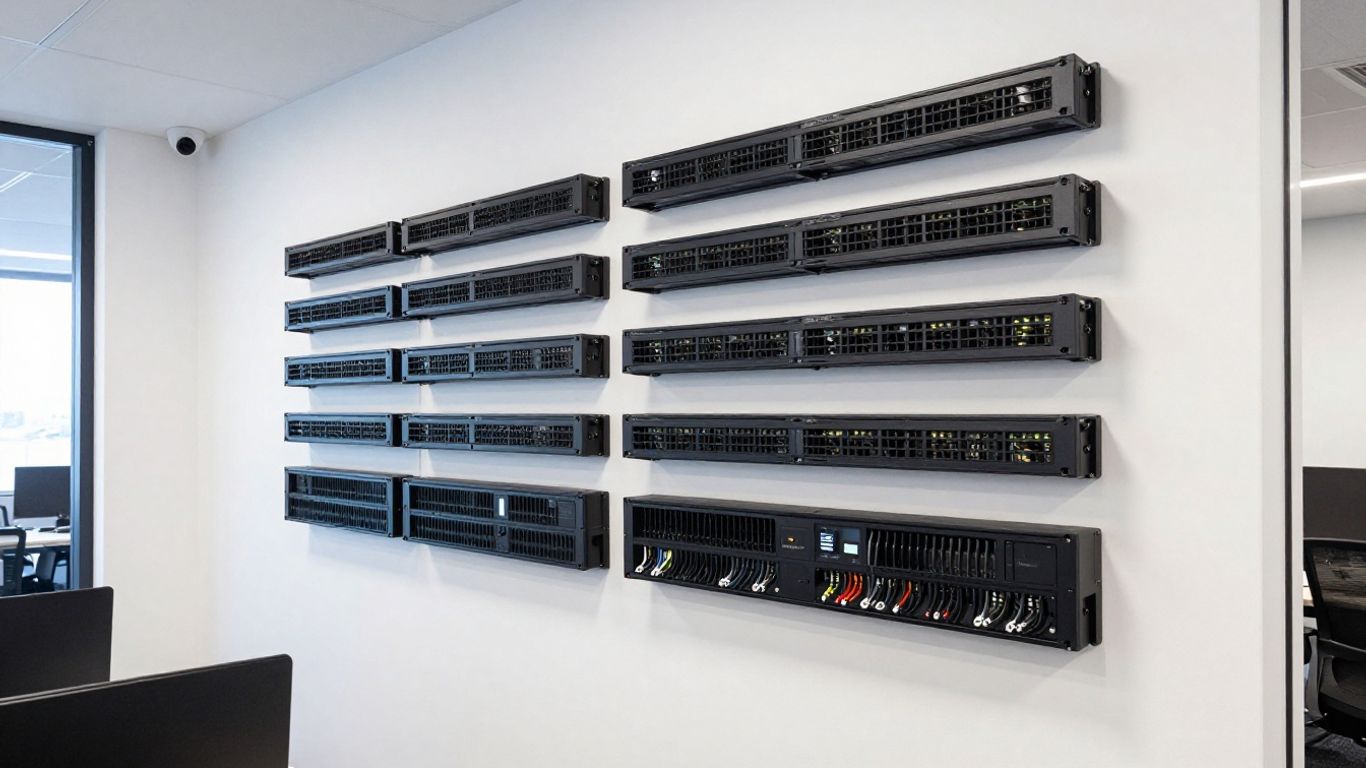
Reliable internet and stable internal networking are prerequisites for modern business operations. Without a solid network design, your devices experience lag, dropped connections, and security vulnerabilities.
Planning UniFi wireless deployments for consistent connectivity
A professional wireless deployment involves carefully mapping your office to ensure no dead zones exist in conference rooms or high-traffic areas. By selecting the right hardware and strategically placing access points, you can provide high-speed connectivity to every device on your premises. For offices that rely on hybrid work arrangements, having predictable coverage is essential for video conferencing and remote work stability.
Managing structured cabling for office moves or upgrades
Structured cabling serves as the physical backbone for your internet and server traffic. When your office undergoes an upgrade, replacing worn-out or poorly labeled cabling ensures that your physical layer is not the bottleneck in your internet speeds. Proper organization also simplifies future maintenance and troubleshooting tasks, saving time whenever you need to add or change hardware.
Maintaining 99.9% uptime with enterprise-grade monitoring
Achieving near-perfect uptime requires more than just high-quality hardware; it requires continuous monitoring that alerts your IT partner to issues before you do. Consider these standard network health indicators observed in a managed environment:
- Regular firmware updates for routers and switches.
- Monitoring of bandwidth utilization patterns.
- Automatic alerts for hardware failure or connectivity drops.
- Testing of failover circuits for internet redundancy.
Managing these points proactively prevents the frustration of sudden connectivity loss during critical business hours.
Connecting your team with modern business phone systems
Communication is the lifeblood of your service delivery. Moving your voice infrastructure to the cloud provides flexibility that traditional analog lines cannot offer.
Implementing 3CX VoIP for flexible communication
VoIP systems allow your business to manage incoming and outgoing calls through an internet connection, providing clearer audio and integrated features. These platforms are highly configurable, allowing you to set up automated attendants, queues, and messaging extensions that make your business appear more professional to your clients.
Enabling mobile integration for hybrid workforces
Modern phone systems allow your staff to answer business calls from their smartphones as if they were sitting at their desk in the office. This mobility ensures that client calls are answered regardless of where your staff are working, maintaining a professional presence even when the office is closed or employees are in the field.
Reducing costs with cloud-based business telephony
Transitioning from traditional telecommunications providers to a cloud-based phone service often results in immediate monthly savings. These systems eliminate the need for costly on-site physical hardware and expensive legacy phone line contracts, making telephony budgeting much more transparent while offering features that were previously only available to large enterprises.
Protecting your business continuity with reliable backups
Data is one of your most precious assets, yet many businesses neglect their backup strategy until it is too late. A reliable recovery plan ensures that you have a path to restoration if hardware fails or data is accidentally deleted.
The difference between simple file copies and true disaster recovery
A simple file copy is not a disaster recovery plan because it does not account for operating system restoration or application settings. True disaster recovery captures your entire digital environment so that you can resume normal output even after a major server failure or total office outage.
Scheduling automated, encrypted backups to meet compliance
Manual backups are prone to human error and are often forgotten during busy periods. Automated systems should run at regular intervals to back up your data to encrypted, off-site storage that meets necessary security standards. This process should happen in the background without affecting your staff performance levels.
Conducting recovery testing to ensure your data is accessible
Testing your restoration process is the only way to prove that your backups remain functional. Periodically attempting a recovery confirms that your data is not corrupted and gives your team the confidence that they can get back to work within minutes, not days, of an incident. Contact OutTask today to book your free IT assessment and discover the safety of a managed backup strategy.
Conclusion
Investing in reliable managed IT services is a strategic step for any small business looking to improve its stability, security, and long-term competitiveness. When you partner with experts who focus on the proactive health of your network, you free your internal staff to spend their time on core business activities rather than troubleshooting technical blockers. A local team that understands your business environment and industry requirements will provide the best foundation for your technology, keeping you operational, protected, and efficient as you continue to grow.
Frequently Asked Questions
How quickly can a managed service provider resolve my support requests?
Most managed service providers have defined response times in their service agreements that prioritize critical issues immediately while addressing standard queries within a few business hours. Because of constant system monitoring, many problems are addressed even before the client realizes there is an issue.
What are the main benefits of outsourcing IT management?
Outsourcing IT management allows you to access a team of skilled professionals for a predictable monthly fee rather than carrying the burden of hiring in-house staff. You gain access to better tools, faster support, and strategic advice that helps align your technology decisions with your business growth objectives.
Why is proactive monitoring better than waiting for things to break?
Proactive monitoring identifies performance bottlenecks and minor hardware issues before they escalate into complete system failures. This approach significantly reduces the time your business spends dealing with downtime and avoids the high costs associated with emergency repairs.
Are cloud-based phone systems reliable for small businesses?
Cloud phone systems offer high reliability and scalability for small businesses by removing the need for local hardware. They provide excellent call quality and advanced features like mobile apps, which are well-suited to the demands of modern hybrid work environments.
What role does cybersecurity play in protecting client data?
Cybersecurity protections ensure that your customer and business data remains private, secure, and compliant with privacy regulations. Multi-layered defense strategies protect against a variety of modern threats, including ransomware, phishing, and unauthorized access attempts.
How does structured cabling affect network performance?
High-quality structured cabling ensures stable data transfer and prevents signal interference in your office network. Proper physical infrastructure is necessary for achieveing consistent speeds, and it also simplifies future maintenance by providing a clear, labeled map of all connections.
Is it difficult to switch IT providers?
Transitioning to a new IT partner is typically handled through a structured onboarding process designed to minimize disruption. A competent provider will manage the movement of your data, the setup of your devices, and the transfer of administrative access to ensure a smooth transition with zero downtime.