The essential guide to IT support for construction companies in Brisbane
Key Takeaways
Optimizing technology on job sites helps keep projects on schedule while improving overall data security. Here are five core focus areas for construction IT.
- Reliable site connectivity via 4G/5G failover systems.
- Secure, centralized storage for large design and project files.
- Comprehensive Essential 8 cybersecurity protection measures.
- Seamless integration for specialized industry management platforms.
- Proactive and localized support tailored for Queensland construction firms.
Overcoming connectivity challenges on Brisbane construction sites
Construction professionals across South East Queensland often operate in environments where standard office infrastructure is unavailable. Reliable connectivity is the backbone of modern job sites, yet many teams struggle with frequent outages or sluggish speeds that halt project flow. Establishing a stable foundation requires planning that accounts for the physical realities of temporary setups and the urgent needs of mobile teams.
Deploying robust temporary network infrastructure
Setting up a site office requires more than just a standard modem. You need enterprise-grade equipment that can survive dust, humidity, and rapid assembly at building sites. A well-designed setup uses dedicated wireless access points to ensure crews in both the trailer and the field can communicate without signal dead zones.
Utilizing 4G/5G failover for uninterrupted operations
Even with the best hardware, a primary connection can drop due to local interference or regional outages. Implementing a secondary link allows your systems to shift automatically to a high-speed cellular network when the main circuit fails. This ensures that your team remains productive and digital communication stays open.
Connecting remote job sites to the corporate office network
Teams need secure, reliable access to the same resources available back at the main headquarters. By establishing a site-to-site VPN link, field staff gain seamless access to internal file servers and internal dashboards without needing to manually upload and download data constantly.
- Use business-grade routers that handle multiple WAN connections.
- Standardize hardware across different project sites for consistency.
- Monitor connection strength and data usage patterns constantly.
- Route traffic through a secure firewall at the central office.
These steps ensure that your teams stay fully synchronized with your central office, providing field staff with the same visibility as their counterparts working back at base.
Managing large project and design files effectively
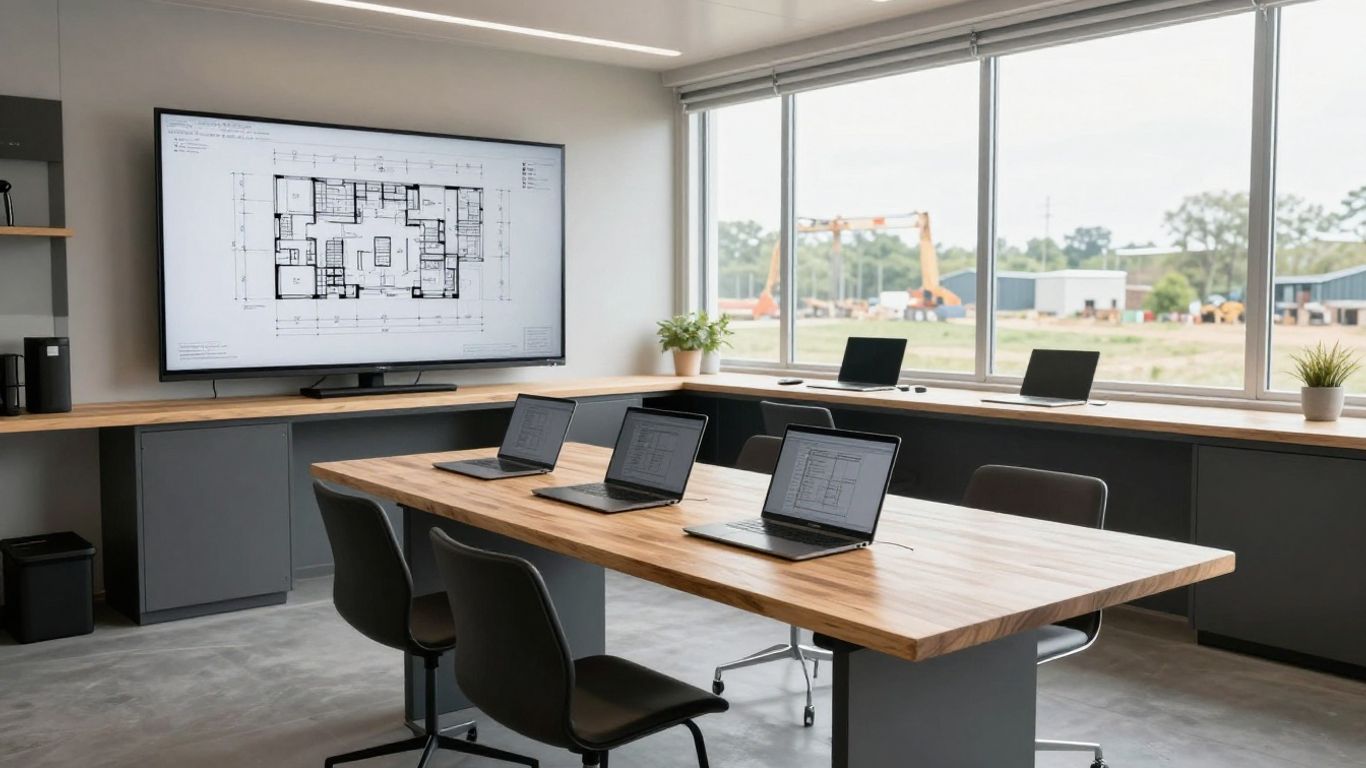
Design projects involve massive datasets that standard consumer tech simply cannot handle. Engineers on site often need to open, annotate, and share drawings that approach gigabyte scale, making latency an immediate enemy. Effective management means moving these files into a unified repository that syncs fast regardless of where the worker is located.
Optimizing cloud storage for CAD and BIM files
Heavy files like Revit models or drone mapping data need dedicated cloud environments that cache information locally for speed. Storing this information in a managed environment ensures that your team is pulling data from high-throughput servers rather than slow legacy hardware at the office.
Implementing rigorous version control protocols
Maintaining a single source of truth prevents teams from working on outdated plan versions. By enforcing strict file naming and versioning processes, managers eliminate the risk of building from obsolete drawings, which saves massive amounts of time and budget re-work.
| File Type | Storage Strategy | Access Priority |
|---|---|---|
| CAD Files | Tiered Cloud Sync | High |
| BIM Models | Localized Caching | Urgent |
| Site Photos | Compressed Archive | Low |
Standardizing how your team handles these files prevents version conflicts and keeps every stakeholder aligned throughout the build duration. Without structured storage, critical project information tends to scatter into fragmented local folders across dozens of devices.
Ensuring fast file access for field teams on the move
Field supervisors often rely on tablets or rugged laptops that have limited storage capacity. Providing those users with direct access to a synchronized file repository keeps them updated in real time. Efficient data handling ensures that construction sites run efficiently for the whole team.
Strengthening cybersecurity for the construction sector
Construction firms face an increasing barrage of digital threats as the industry shifts further into cloud-based management systems. A single compromise of a supervisor’s credentials could halt an entire site’s progress if ransomware encrypts your master project folder. Building a defense-in-depth security posture is no longer optional for maintaining project timelines.
Mitigating the risks of ransomware and malware
Attackers specifically target high-value engineering firms, knowing that downtime results in immediate financial penalties. Protecting these digital assets requires constant monitoring for anomalies or suspicious traffic patterns that might indicate an active breach attempt.
Applying the Essential 8 framework for data protection
This framework acts a as a vital roadmap for hardening your firm against common infiltration techniques. By restricting administrative privileges and patching software aggressively, you keep your systems resilient against the majority of automated digital attacks currently targeting businesses in our region.
Providing cybersecurity awareness training for construction staff
Your frontline workers are your first and best line of defense against social engineering. Providing concise, easy-to-understand training helps people identify phishing attempts that could otherwise compromise your entire vendor or project network.
Supporting critical construction software platforms
Specialized software platforms handle the complex machinery of modern construction, from procurement to sub-contractor management. These tools are often integrated in complex ways, meaning any failure in the underlying operating environment has cascading effects on your project’s trajectory. Keeping these tools running requires specialized IT maintenance.
Seamless integration for Procore and BuildXact
Connecting these platforms properly ensures that data flows naturally between procurement, scheduling, and site reporting. Proper setup eliminates manual data entry, which is a common source of human error and project delays. Our team provides trusted managed IT support to ensure software environments are correctly configured for peak reliability.
Ensuring uptime for industry-standard management tools
Project managers rely on constant access to live dashboards to gauge progress against timelines. Regular maintenance of the supporting hardware and software environment ensures that these applications remain live and responsive throughout business hours.
Troubleshooting platform connectivity and sync issues
Connectivity errors between your cloud software and local machines often stem from firewall blocks or insufficient bandwidth allocations. A dedicated team can quickly trace these sync failures and fine-tune your network policies to prioritize traffic for your most critical business applications.
Facilitating secure access for contractors and stakeholders
Opening your network to third-party consultants or subcontractors is a frequent necessity, but it shouldn’t expose your entire repository. A well-managed IT arrangement uses automated policies to balance collaboration needs against the security requirements of your core business data.
Defining time-limited access for third-party partners
Granting permanent credentials to every contractor creates a massive, long-term security risk. Implementing access policies that expire automatically after a specified time frame prevents outside users from leaving holes in your digital security perimeter after their specific tasks conclude.
Segmenting guest networks from core business data
Visitors on the job site should never gain access to your internal file servers or production dashboards. Setting up a completely isolated network for guests ensures that their mobile devices cannot scan or communicate with your sensitive infrastructure.
Maintaining compliance with Australian privacy requirements
Handling sub-contractor information and vendor financial details carries strict legal obligations. Keeping this data secure requires rigorous access control policies that limit visibility to only those who strictly need to know for their job functions.
The benefits of choosing a local Brisbane IT provider
Choosing a service partner based closer to your operations often leads to better communication and faster resolution times. When you work with a team that knows the local terrain and regional business environment, you regain control over your technology roadmap instead of managing external headaches.
Fast on-site support for urgent technical issues
When a site office equipment rack fails, you need a technician who can physically reach the site quickly. Being located in the same city means your partner spends less time in transit and more time resolving the issues that are stalling your current construction phase.
Understanding the unique requirements of Queensland construction
Construction work in Brisbane is heavily impacted by environmental factors and specific regional logistics. A local team understands how these factors shape business demand, allowing them to make recommendations that are practical for your specific project environment and budget.
Building a long-term partnership with a local, accountable team
Outsourcing IT doesn’t mean giving up control when you pick a partner that prioritizes accountability. Relying on experts who value clear communication helps stabilize your infrastructure for years, not just weeks. Contact OutTask today to book your free IT assessment and discover the difference a local partner makes.
Conclusion
Navigating the digital requirements of modern sites is complex, but ensuring your team has secure and stable access to their tools is essential for maintaining a competitive edge. When you align your IT strategy with the specific needs of your Brisbane-based construction firm, you minimize costly downtime, protect your proprietary project data, and empower your staff to focus on building rather than troubleshooting. Reach out to our team at OutTask to get started, or book your free IT assessment today to understand how we can support your upcoming projects.
Frequently Asked Questions
How do construction firms ensure their field teams stay productive?
Productivity is best maintained through reliable site-to-site VPNs, 4G/5G failover internet, and consistent cloud access that allows employees to retrieve files from any location.
Why is dedicated IT support important for the construction industry?
Construction platforms are complex and site environments are harsh, requiring specialized support that understands both physical hardware needs and the critical reliance on project management software for tight timelines.
What are the main cybersecurity risks for construction projects?
Key risks include ransomware attacks that hold project files hostage, phishing emails attempting to compromise accounting credentials, and unsecured device access from third-party contractors.
How does segmenting a network help keep data secure?
Network segmentation ensures thatguest devices, contractor workstations, and internal company servers share no common communication path, preventing breaches from spreading across your entire organization.
What does an Essential 8 framework implementation involve?
It is a set of eight specific technical strategies, such as application whitelisting and regular patching, designed to prevent and limit the blast radius of cyber incidents.
Why is local support better for Brisbane business?
Local teams can provide rapid physical on-site assistance for network cabling or hardware issues, and they carry a deeper understanding of regional logistics that international or distant providers often lack.
How should large CAD or BIM files be managed?
These files should reside in a high-performance, managed cloud environment that supports localized caching to ensure designers experience fast load times while maintaining centralized version control.