Ensuring growth and security: A guide to IT support for accounting firms in Brisbane
Key Takeaways
Accounting practices require specialized technology care to handle sensitive data and meet strict regulatory standards while maintaining continuous uptime. These takeaways summarize the critical pillars of a modern, secure accounting IT strategy.
- Prioritizing data security through the Essential 8 framework prevents unauthorized access to sensitive financial records.
- Proactive server management and optimized practice software integration are essential to avoid downtime during busy tax seasons.
- Cloud-based collaboration tools like Microsoft 365 improve mobility and secure real-time document sharing among distributed audit teams.
- A robust disaster recovery plan with off-site redundancy ensures your firm remains operational even after a critical system failure.
- Local Brisbane IT partners provide the accountability and rapid response times necessary to sustain long-term business growth.
The unique IT challenges faced by Brisbane accounting firms
Accounting firms deal with a delicate balance of high security requirements and the need for constant, seamless connectivity. Managing these demands in a fast-paced environment requires infrastructure that supports growth without compromising on client confidentiality or regulatory standing.
Protecting sensitive client financial data
Securing your clients information is the foundation of any reputable firm. Without rigorous encryption and access controls, you risk exposing private business and tax-related information that could destroy your professional reputation.
Managing compliance with Australian tax and data laws
Adhering to strict Australian regulatory standards is not optional for accounting practices. You must ensure that every piece of software and data storage method aligns with the latest data privacy acts and reporting requirements set by authorities.
Ensuring zero-downtime during peak tax season
Peak tax season puts immense pressure on your digital systems when every minute of hardware availability counts. Downtime at these critical moments results in missed deadlines and significant stress for both staff and your clients.
Scaling infrastructure for growing staff and firm expansion
Your technology should grow alongside your client list and team size. Whether you are adding new partners or opening additional offices, infrastructure must be agile enough to scale without needing a total system overhaul every year.
Essential cybersecurity measures for accounting practices

Cyber threats are evolving, and firms must embrace a proactive defense strategy to protect intellectual property. Relying on basic firewalls is no longer enough when you handle highly valuable financial data for your diverse client base.
Implementing the Essential 8 security framework
Adopting the Australian Signals Directorate Essential 8 framework provides a solid baseline for preventing common cyber attacks. This approach focuses on critical controls like application hardening and patching to reduce your exposure to known vulnerabilities.
Securing remote access for hybrid audit and advisory teams
Hybrid working requires secure pathways to your internal resources. You need to provide your staff with protected access that keeps company data safe even when they are working from off-site audit locations.
Managing email filtering and phishing awareness training
Most attacks enter your network through simple yet effective phishing attempts. Continuous training and advanced email filtering are the first lines of defense for every employee in your firm.
Securing client portals and encrypted document sharing
The following table illustrates a comparison of common security practices for managing client interaction platforms used by modern professional services firms.
| Feature | Standard Security | Enhanced Security | Why it Matters |
|---|---|---|---|
| Data Storage | Local Drive | Cloud Encrypted | Remote Access |
| Access Control | Simple Password | Multi-Factor | Prevents Theft |
| Audit Logging | None | Full History | Regulatory Proof |
By leveraging Cybersecurity services, you gain access to the tools needed to keep your firm fortified against modern online dangers.
Optimizing your accounting practice management software
Stable performance depends on how well your core applications communicate with your hardware and the network. If your software lags during a busy period, the entire firm experiences immediate friction.
Maintaining stable environments for Xero, MYOB, and Reckon
These platforms are the lifeblood of your day-to-day work, meaning they require consistent performance testing. A stable environment prevents the frequent crashes that delay bank reconciliation and reporting tasks.
Ensuring reliable integration for tax filing and HandiSoft platforms
Tax filing platforms often require specific environment configurations to integrate correctly with tax software suites. Ensuring these integrations are seamless allows for faster turnaround times on client submissions.
Improving connectivity and sync performance across branch offices
Branch offices often struggle with data synchronization lags that hamper efficiency. Optimized network connections ensure that files on a main server are immediately available for staff sitting in a different location.
Minimizing software downtime through proactive server management
Rather than waiting for a failure, proactive management identifies potential software errors before they cause a work stoppage. Your team needs consistent system health monitoring to keep productivity high.
Cloud collaboration and Microsoft 365 best practices
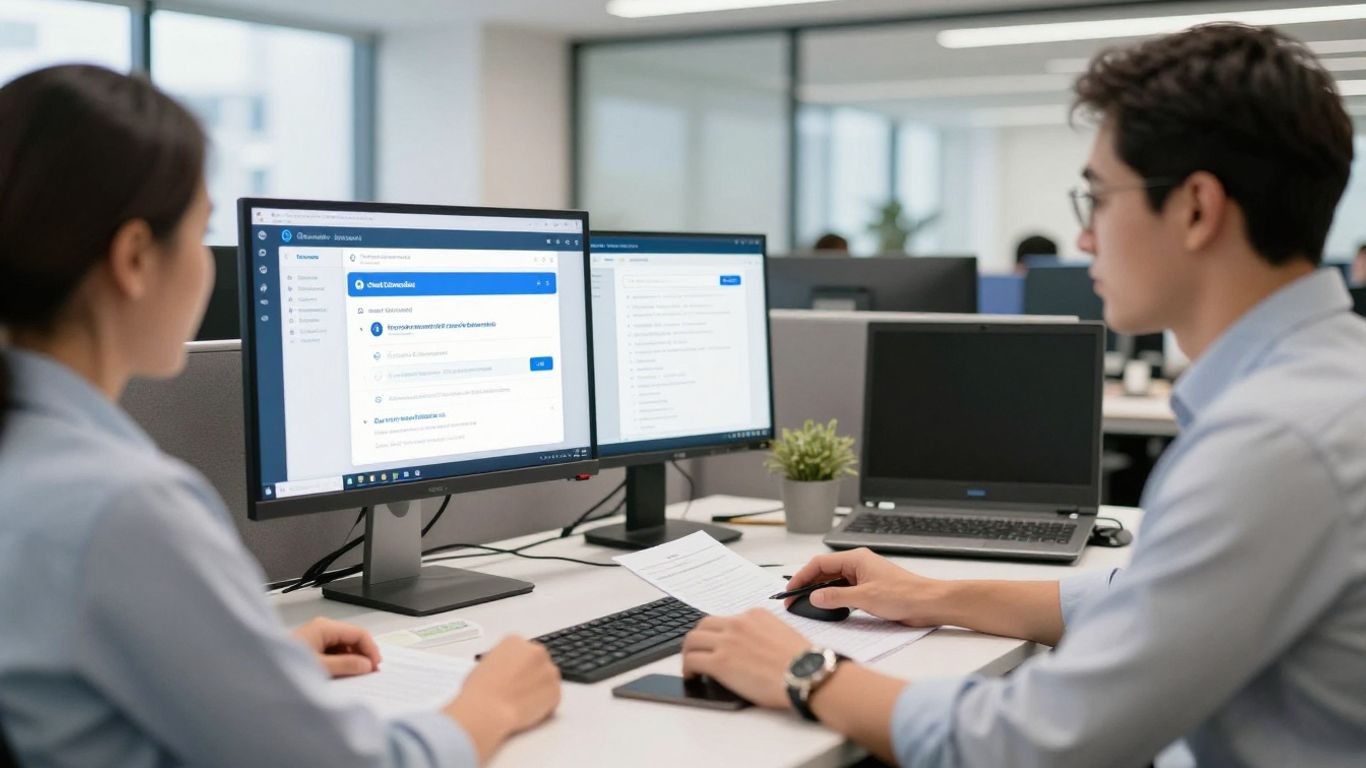
Moving your workflows to the cloud provides flexibility that stationary, office-bound networks simply cannot match. Leveraging Microsoft 365 allows your team to stay connected, organized, and secure as they switch between remote and in-office tasks.
Managing secure document storage with SharePoint and OneDrive
Effective cloud storage requires strict governance to ensure data is not misplaced. Implementing a clear, logical structure for shared documents prevents version control issues and accidental data deletion.
- Establish clear folders for each client to keep files organized.
- Apply permission controls so that only relevant staff access sensitive folders.
- Utilize version history to revert changes if an accidental deletion occurs.
- Ensure syncing is enabled to keep files updated across all user devices.
Enabling secure real-time collaboration with Microsoft Teams
Teams serves as your virtual office, enabling staff to communicate and share insights instantaneously. By configuring Teams correctly, you keep sensitive audio-visual conversations contained within your secure corporate tenant.
Implementing identity management for controlled client data access
Identity management ensures that your users are exactly who they claim to be. Using centralized authentication protects your cloud environment from unauthorized entry, even if a user workstation is unattended.
Leveraging cloud environments to support mobile accountants
Accountants on the move require consistent access to tools without sacrificing the security of the data they carry. Cloud environments allow staff to update records safely from a client office, a cafe, or their home study.
Building a robust disaster recovery and backup strategy
Accidental data loss or hardware failure should not spell the end of your firm. Having a plan that is regularly tested acts as your insurance policy when technical disasters occur.
Scheduling frequent, automated, and encrypted data backups
Manual backups are rarely performed as often as they need to be. Automated Backup & Recovery ensures your data is captured regularly and safely without tying up your staff resources.
Developing a business continuity plan for tax deadline reliability
Continuity planning is different from simple backup; it outlines exactly how the business recovers functionality. Having a clear roadmap keeps the firm operating even while systems are being restored during high-stress periods.
Testing recovery scenarios to identify gaps in data protection
If you have never performed a test restore, you do not have a recovery strategy. Regularly firing up backed-up files from recovery environments highlights issues with the backup process that would otherwise remain hidden until it is too late.
Maintaining off-site redundancy to satisfy institutional compliance requirements
Regulatory compliance often dictates that data backups must exist in a secondary, secure location. Off-site cloud redundancy ensures your business is protected against site-wide incidents like fire or floods.
Why local Brisbane IT support matters for your firm
Choosing a provider who knows the local area is more than just a convenience; it ensures that your technical infrastructure matches your business goals within the Queensland market. A local team understands the specific pressures that Brisbane firms navigate daily.
The benefits of on-site assistance versus remote-only providers
There are times when a cable issue or hardware failure simply cannot be fixed over the internet. On-site help ensures that a technician arrives to resolve physical problems quickly, preventing long travel delays common with regional help desks.
Understanding the Brisbane business landscape and local regulatory needs
Local IT partners like OutTask provide support tailored to the specific legal and economic context of South East Queensland. They know which standards matter in Brisbane, saving you from explaining your basic operational needs repeatedly.
Prioritizing local accountability for faster incident response times
Accountability is key when a crisis happens. Having an IT partner who takes full ownership of your technical health means faster response times and fewer hoops to jump through when issues arise.
Establishing a partnership based on clear and jargon-free communication
Technology is complex enough without unnecessary technical lingo adding to the confusion. You deserve answers that explain the ‘what’ and ‘why’ clearly, helping you make informed decisions about your Managed IT Support investments.
Conclusion
Building a secure and scalable technology foundation is a continuous process that defines modern success for accounting practices in Brisbane. By aligning your systems with robust cybersecurity, efficient cloud collaboration, and a local support partner, you can ensure that your firm remains protected, compliant, and ready for growth. Contact OutTask today to learn how our 437c can support your practice’s specific needs.
Frequently Asked Questions
How does off-site backup protect my accounting firm during an emergency?
Off-site backup ensures that an exact copy of your financial data is physically stored in a separate location, protecting your firm from data loss during site-specific disasters like fire or building equipment failure.
What are the main signs that an accounting firm needs an IT audit?
Key signs include frequent software lag during peak hours, issues with synchronization across multiple offices, lack of visibility into data security, and growing concern about the age of your hardware.
Can hybrid firms realistically remain compliant with Australian tax laws?
Yes, hybrid firms can remain completely compliant if they utilize secure cloud-based identity management, properly encrypted document sharing, and regular staff training to manage the risks associated with remote data access.
Why is the Essential 8 framework recommended for financial services?
This framework provides a prioritized list of mitigation strategies that specifically target the most common cyber threats facing Australian businesses, which is vital for firms that handle highly sensitive personal information.
How do I balance IT performance with existing practice management software budgets?
Focusing on proactive management rather than reactive repairs often reduces long-term costs by preventing the expensive downtime and data recovery efforts associated with software failures.
What is the advantage of using local Brisbane support over national call centers?
Local support providers offer faster on-site response times, a deeper understanding of local regulatory standards, and a direct line of communication with technicians who prioritize your local business reputation.
How often should my firm review its disaster recovery plan?
Ideally, disaster recovery plans should be reviewed and tested at least twice a year to ensure that new software and infrastructure changes are properly integrated into your recovery protocols.