Microsoft 365 vs Google Workspace for business: A guide for Brisbane SMBs
Key Takeaways
Choosing the right cloud productivity suite is a foundational decision for any Brisbane business. Here are five core takeaways regarding this selection:
- Microsoft 365 integrates deeply with traditional desktop software, making it ideal for finance and legal environments.
- Google Workspace provides a browser-first experience that excels in real-time, simple collaboration environments.
- Local Brisbane businesses must prioritize compliance with the Australian Privacy Act when storing data in the cloud.
- Flat-rate IT support plans often provide better value than managing licensing add-ons independently.
- Transitioning platforms requires a planned migration strategy to avoid operational downtime for your hybrid workforce.
Core differences in philosophy and ecosystem
When modernizing your business infrastructure, understanding the fundamental approaches of the two major players is the first step in digital transformation. Decision-makers often weigh the benefits of a suite built for the web against one developed for local desktop efficiency.
Cloud-first evolution of Google Workspace
Google Workspace was designed from the ground up for the browser, emphasizing a seamless experience where your documents live exclusively in the cloud. For teams that prioritize rapid updates and accessibility from any device, this philosophy is highly effective as it treats the browser as the primary workspace.
Enterprise power and offline desktop integration in Microsoft 365
Microsoft 365 bridges the gap between traditional power-user tools and modern cloud connectivity. By allowing users to work offline on powerful desktop versions of applications, it ensures that your team remains productive even during local internet disruptions that occasionally affect SEQ networks.
Ecosystem compatibility with existing business infrastructure
Compatibility with legacy systems often dictates the final selection. Because many industry-specific applications were historically coded for Windows, Microsoft 365 often provides a more stable baseline for firms reliant on complex, long-standing internal databases.
Productivity and collaboration tools compared
Selecting a platform involves balancing feature sets against your staff’s existing technical comfort level. While both offer robust suites, the way they present collaboration tools dictates the daily habits of your team.

Document editing and cloud real-time collaboration workflows
Effective collaboration requires tools that handle simultaneous editing without version conflicts. Teams should leverage Microsoft 365 solutions to ensure that their document workflows are synchronized and accessible for project management stakeholders. When evaluating Microsoft 365 vs Google Workspace for business, users often find that the choice impacts long-term file management strategies significantly.
Video conferencing capabilities: Microsoft Teams vs. Google Meet
Both platforms provide reliable video meeting infrastructure. Microsoft Teams tends to be preferred by businesses that already utilize SharePoint for internal file storage, as it allows users to jump from a meeting directly into shared project files without switching windows.
Email management and shared organizational calendars
Managing internal communication starts with efficient email and calendar systems. Integrating these systems requires careful tenant configuration to ensure that shared schedules are visible and administrative permissions remain locked down to prevent unintentional data leakage.
Security and compliance features for Queensland businesses
For most SMBs across Brisbane, data protection is not just a best practice but a regulatory requirement. Managing these security protocols requires an understanding of how cloud platforms interact with our local legal landscape.
Why compliance with the Australian Privacy Act matters
Australian businesses have a duty to keep client information secure, regardless of where that data is hosted. Engaging with robust cybersecurity solutions can ensure your chosen platform meets the stringent demands required by the Privacy Act for protecting PII and sensitive records.
Data sovereignty: Understanding where your information lives
Data sovereignty remains a concern for firms dealing with clinical or legal information. Knowing that your provider ensures your data resides in compliant regional or national jurisdictions is vital for maintaining professional indemnity and general operational trust.
Essential 8 alignment: How Microsoft 365 simplifies security
The Australian Signals Directorate’s Essential 8 framework provides a solid benchmark for SMB security. By using features like conditional access and MFA within the Microsoft ecosystem, businesses can systematically reduce the attack surface of their digital environment.
Managing costs and licensing requirements
Predictable pricing is essential for cash-flow management in growing Brisbane firms. However, cloud costs can fluctuate if unused features are not monitored properly.
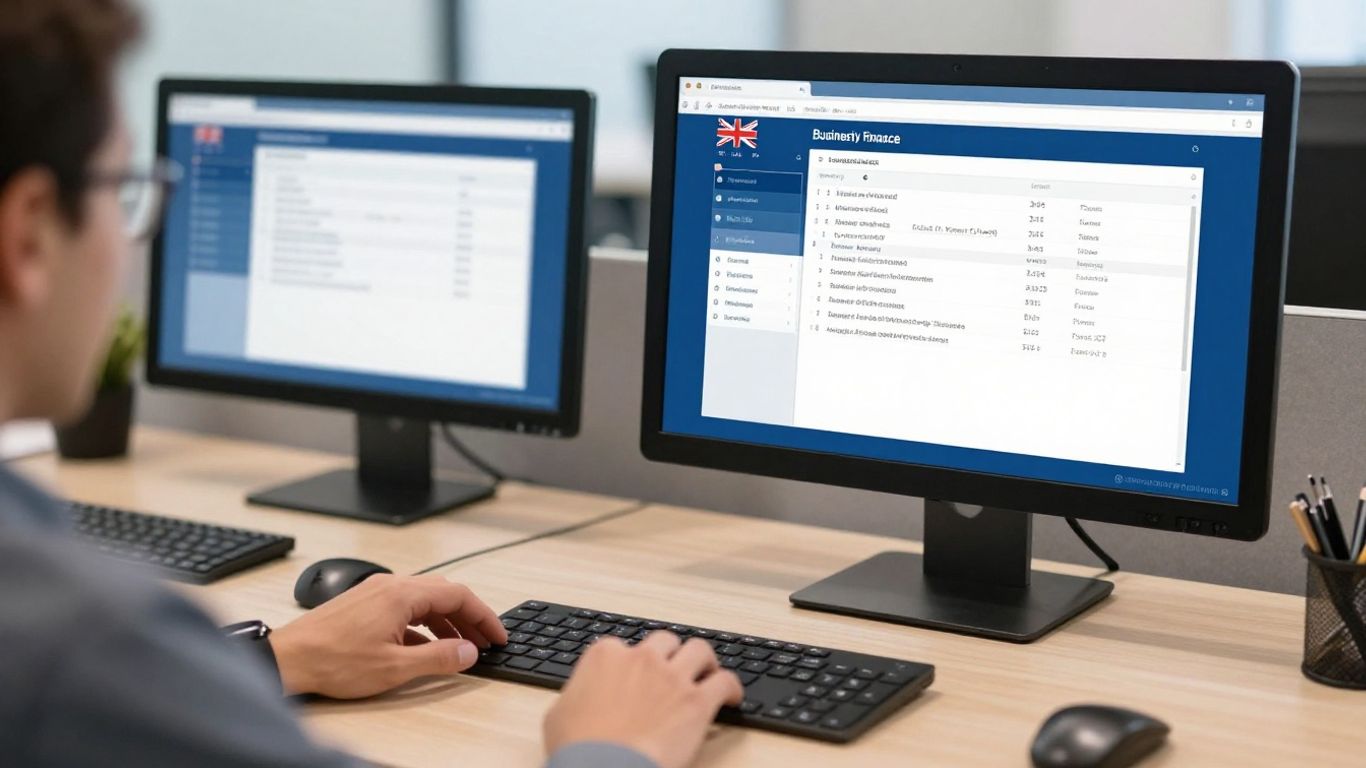
Identifying hidden costs of third-party integration add-ons
Many businesses fail to account for the secondary costs associated with connecting third-party platforms to their primary email and storage systems. To keep your budget lean, consider these approaches:
- Audit unused third-party plugin subscriptions on a quarterly basis.
- Consolidate your communication stack into a single unified workspace.
- Set clear user-access permissions to prevent unauthorized premium tool signups.
These simple steps help maintain transparency in your monthly IT expenditure.
Evaluating per-user pricing tiers for small to medium-sized teams
When choosing a tier, consider the actual features needed by your staff rather than opting for the highest license simply to have full access. A typical SME structure might look like the following comparison:
| Feature Tier | Best For | Typical Inclusion |
|---|---|---|
| Entry Level | Micro-businesses | Web apps, basic security, 1TB storage |
| Standard | Growing SMBs | Desktop apps, advanced security, conferencing |
| Premium | Power Users | Analytics, advanced threat protection, automation |
Selecting the right tier based on actual usage patterns avoids the common pitfall of paying for enterprise-grade features that the team rarely utilizes.
Assessing the return on investment for bundled cloud services
When reviewing IT support costs for your business, look at the value of the bundle. A comprehensive plan that includes identity management, email, and storage often proves cheaper in total cost of ownership than maintaining several disjointed, lower-cost services that do not communicate well.
Deployment and ongoing IT management support
Migration is a significant event that should never be rushed. Proper planning ensures that the transition between platforms happens with minimal disruption to your daily client service.
Why professional migration is recommended for zero downtime
Professional deployment of a new Microsoft 365 setup ensures that your domain reputation and mail flow remain intact during the changeover. Attempting a manual migration often leads to avoidable email delivery errors or lost calendar entries.
Managing tenant settings for small teams with limited in-house IT
For smaller teams, the administrative burden of managing cloud tenants can be overwhelming. Standardizing these environments using industry-standard templates allows for easier onboarding of new staff and rapid offboarding when team members move on.
The role of a local MSP in maintaining your cloud environment
An experienced MSP, such as the team at OutTask, acts as an extension of your business. By partnering with local Brisbane IT experts, you gain the benefit of proactive monitoring, ensuring that security patches and performance optimizations are handled, allowing you to focus on your core business operations.
Making the right selection for your industry
Your industry’s unique compliance and operational needs should drive your final decision regarding which cloud platform you implement. Certain industries have specialized workflow dependencies that favor one environment over the other.
Suitability for professional services and legal firms
For legal practices, the ability to manage track changes and integrate with case management software is paramount. We provide specialized IT support across many industries, helping firms assess which configuration provides the necessary document governance and audit trails to meet their obligations.
Choosing the right platform for hybrid or mobile-heavy teams
Mobile-heavy teams require consistent access across mobile, tablet, and laptop hardware. Platforms that offer offline-syncing capabilities are crucial here, ensuring that agents on the road can update client information without needing a reliable and high-speed data connection at all times.
Long-term scalability as your headcount grows in South East Queensland
As your business grows, your IT infrastructure must scale without requiring a total rebuild. Selecting an environment that supports easy role-based access and massive data scaling ensures that your technology remains an asset rather than a bottleneck during periods of rapid expansion.
Conclusion
Ultimately, whether you choose Microsoft 365 or Google Workspace depends on your team’s specific requirements, current software dependencies, and your long-term security strategy for the Queensland market. Both platforms offer strong tools, yet the best result comes from ensuring your tenant is configured securely and managed proactively. If you are ready to evaluate the best fit for your team, please contact OutTask for a free IT assessment to discuss your business requirements.
Frequently Asked Questions
Is it possible to use both platforms at the same time?
Yes, it is possible to maintain both environments, though it significantly increases management complexity and licensing costs for the business.
How long does a typical migration to a new suite take?
Most SMB migrations are handled over a period of 2 to 4 weeks to ensure data integrity and full staff training before full cutover.
Which suite offers better offline functionality?
Microsoft 365 generally provides superior offline functionality because its core desktop applications are designed to cache and sync data locally for later integration.
Can I keep my existing email address if I switch?
Yes, your domain name can be migrated to either platform, ensuring you keep your existing custom email addresses without disruption to your external communications.
Is cloud storage secure enough for sensitive files?
Both major cloud providers offer advanced encryption and security controls, provided that organizations properly configure MFA and access policies.
Do we need a dedicated person to manage these suites?
Small businesses rarely require a full-time internal staff member for this, as most outsource these management tasks to a managed services provider.
How does our geographic location in Brisbane affect cloud choice?
Your location influences the choice of local data centers and the selection of regional support partners who understand your specific connectivity and compliance needs.