Multi-factor authentication for business: a practical guide to better security
Key Takeaways
Securing your digital access points is a critical step for any growing organization. Here are the core objectives for implementing strong authentication practices.
- Multi-factor authentication provides an essential second layer of protection beyond simple passwords.
- The three primary factors are knowledge, possession, and inherence.
- Phishing resistant methods such as security keys offer the highest level of defense against account takeovers.
- Successful adoption relies on clear communication about why MFA is being introduced to protect the team.
- Partnering with professional IT teams helps automate security compliance and reduces the burden of manual oversight.
What is multi-factor authentication and why it matters
Most modern business security strategies rely on a layered approach to verify identities. By requiring more than one step to sign in, companies can ensure that even if a password is stolen, the unauthorized user still lacks the second piece of evidence needed to enter the system. This method is the primary tool used by professionals to defend against account compromises.
How MFA works beyond simple passwords
Simple password systems are effectively single-layer walls that hackers have learned to climb easily. MFA flips this dynamic by asking for a unique, time-sensitive code or a physical token immediately after the password is submitted. This means that a stolen username and password combination is effectively worthless to an attacker without the second factor. Because these systems generate fresh data for every attempt, the traditional "guess the password" tactic of cybercriminals is rendered almost entirely ineffective in a secure environment.
The three core factors of identity verification
Authentication protocols generally divide evidence into three distinct categories. Something you know remains the most common, which includes passwords or PINs. Something you have refers to hardware like an authenticator app, a mobile device, or a physical security key. Finally, something you are relates to your biological traits, such as physical fingerprint scans or facial recognition captured by your device. Combining these factors makes it exponentially more difficult for an outsider to mimic your identity effectively.
Why password-only security is no longer enough
Passwords feel convenient until they become the exact reason a business suffers a data breach. Many employees reuse passwords across different platforms, meaning one weak site can compromise your corporate email. Furthermore, sophisticated automated bots can crack simple passwords in seconds, making the traditional approach to login security a massive liability. Modern workplaces must accept that human memory is not a reliable foundation for enterprise-level defense.
The business risk of neglecting MFA in a modern workplace
The consequences of skipping this security layer can range from minor business interruption to full operational failure. When an unauthorized user manages to bypass a password, they may access client lists, financial records, or internal company communications. This risk is particularly acute for managed IT support in Brisbane, where downtime directly impacts the ability to serve local communities. Without MFA, a business is essentially leaving its digital doors unlocked at all times.
Common types of authentication factors
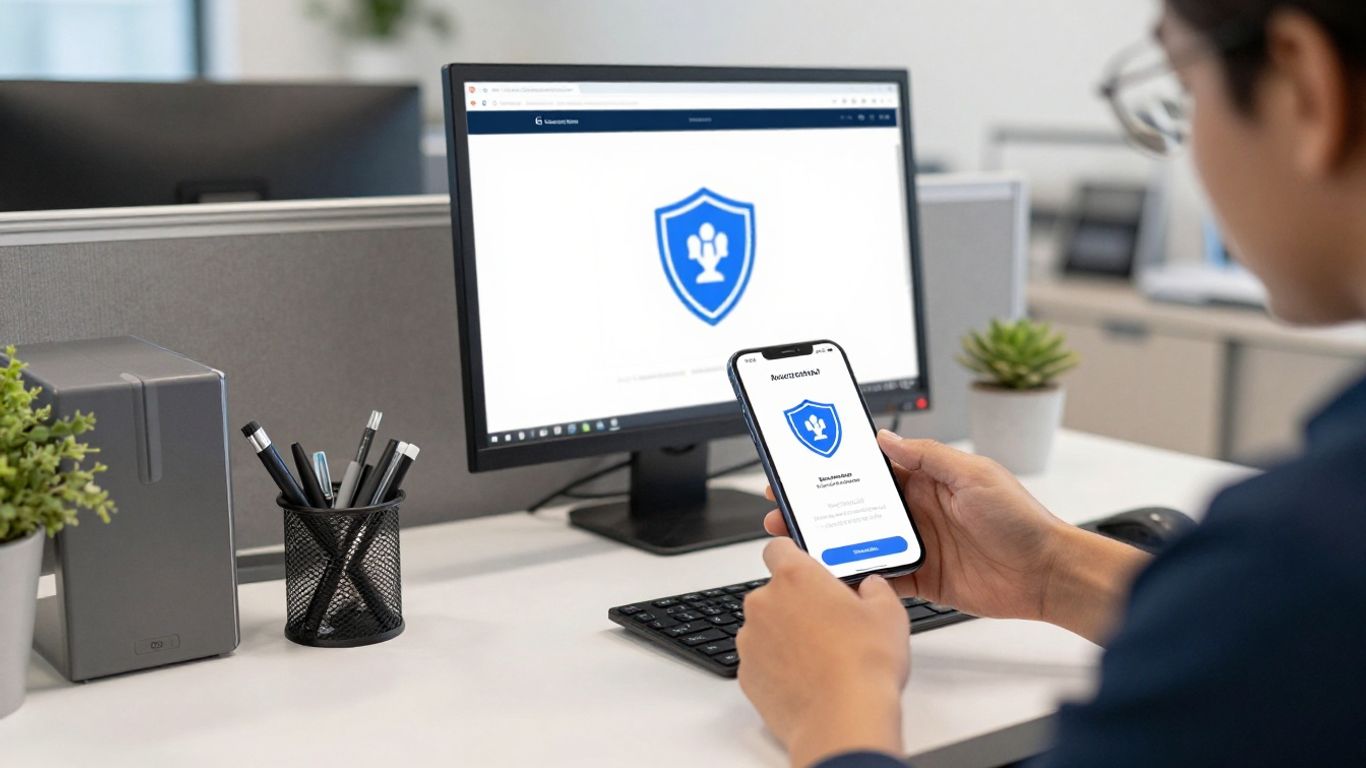
Choosing the right mix of factors depends on your specific operational needs and hardware availability. While every extra step increases safety, the best configuration is one that your employees can reliably use daily. Getting the balance correct between high security and usability ensures that your workforce remains productive without feeling slowed down by IT policies.
Something you know: passwords and PINs
These are essentially the legacy component of security that everybody already understands. While they remain the first step in a login sequence, they should be complex and unique to each application. To maintain this without frustration, many businesses use password managers to store these credentials so users only need to remember one strong master password for their account.
Something you have: authenticator apps and security keys
Hardware-based factors create a much higher barrier for attackers than text-based codes. Authenticator apps generate codes directly on your smartphone, while physical security keys provide a plug-and-play solution that often protects against even advanced phishing attempts. These tools ensure that even if a remote hacker has your email and password, they cannot generate the physical signal required to approve the final sign-in request.
Something you are: biometric login options
Biometric factors like fingerprint sensors and facial recognition utilize your physical features to confirm your identity. These are increasingly common on modern laptops and smartphones, making the log-in process feel seamless and fast. Since these biological markers are difficult to replicate, they provide both high security and a very high level of user satisfaction.
Choosing the most secure methods for your team
When selecting your primary factors, evaluate what equipment your staff already carries. If everyone has a company-issued smartphone, authenticator apps are likely the most efficient choice. For high-security roles that involve sensitive financial data, physical hardware keys may provide an even more rigid level of protection against digital intrusion attempts.
Implementing MFA in a small business environment
Deploying MFA across a smaller company does not require an massive capital budget. The process is largely about consistency and configuration rather than buying expensive software. By planning the rollout to include your most sensitive accounts first, you can effectively move the needle on your security posture without disrupting daily tasks.
Identifying high-risk access points and applications
Not all digital entry points are equal, so you should audit which systems store your most critical data. Your email system, business management software, and financial platforms should be the first items on your list to lock down. These hold the core of your operation and are the most common targets for attackers seeking quick financial returns in the South East Queensland market.
Setting a structured rollout plan for your staff
Rolling out security changes should be a staged event rather than a blanket mandate sent on a Saturday. Start by testing the system with your IT administrators to ensure they can manage the process themselves. Once the kinks are ironed out, roll out access to the rest of the team in waves to maintain a manageable level of support requests at the helpdesk.
Balancing robust security with workflow efficiency
Security should feel like a guardrail, not a roadblock to completing daily tasks. If your setup requires a complex, multi-minute verification process for common activities, you will inevitably see staff trying to find ways around the policy. Aim for tools that allow for things like remembered devices to make the daily login experience smooth while still protecting the initial sign-in.
Avoiding user fatigue and common deployment roadblocks
Change management is the most significant hurdle in any technical deployment project. Avoid inundating staff with constant prompts by grouping your authentication requirements intelligently across related apps. Providing clear, visual documentation for common tasks allows your employees to solve their own minor issues, which lowers internal pressure.
Overcoming employee resistance to MFA

Success depends on the team understanding the why behind the new requirements. When employees feel that security is an active protection for their own professional wellbeing, they are far more likely to engage with the system properly. Frame the transition as a way to take the stress of security out of their workday.
Explaining the security benefits in plain language
Technical jargon often alienates staff rather than informing them. Use examples that relate to their real work experience, such as explaining how MFA acts like the dual-key system required for a bank vault. Letting them know that cybersecurity incidents often hit local businesses hard helps them see the practical reasoning for the change.
Selecting user-friendly tools that integrate with daily tasks
If a tool is frustrating, even the most compliant employee will eventually look for a shortcut. Selecting software that integrates cleanly into existing workflows is the easiest way to ensure high adoption rates. Use tools that allow for one-tap approvals from mobile apps rather than forcing manual entry of long numeric codes every time a user signs in.
Providing clear training and onboarding resources
Never launch a new tool without building a support structure that answers questions instantly. Short, screen-recorded videos can show staff exactly how to set up their accounts in minutes. When people have a guide to follow, their anxiety about the change drops substantially and they can get back to their work faster.
Developing recovery protocols for lost devices
Plan for the inevitable loss or failure of an authentication device ahead of time so it does not destroy your productivity. Define a clear internal process for how a user can verify their identity without their usual device. This keeps the team moving forward while ensuring that no one ever lands in a position where they are locked out of their work for days.
Best practices for managing MFA at scale
Centralization is the only way to manage multiple identities effectively as your staff grows. When you move past a few dozen users, manual management becomes impossible and prone to human error. Centralized platforms allow administrators to apply policies across the entire company with just a few clicks.
Utilizing centralized identity management tools
Using a single repository for all user credentials allows for universal security updates. Instead of individual apps having mismatched security levels, a centralized hub enforces the same standard for every piece of software. This creates a unified perimeter that makes monitoring much simpler for the management team.
Auditing your security compliance and logs regularly
Logs provide a permanent window into the health of your security system. Regularly look for indicators of failed attempts or unusual activity that might signify a brute-force attack on your network. Identifying patterns early allows you to react before an intruder gains a foothold in your storage environments.
Establishing clear protocols for contractors and guests
Temporary staff and visitors still pose a security risk if they have access to your network. Create guest accounts that expire automatically after a set period and require the same level of MFA as permanent staff. Managing these third-party connections keeps your systems from accruing orphaned accounts that can be exploited months later.
Planning for disaster recovery and off-site backup
Even perfect security cannot prevent all potential disasters or physical system failures. Ensure that your authentication settings are part of your broader recovery plan so that you can restore access quickly if a primary system goes down. Having this data backed up reliably means you have a path forward when technical issues arise.
Partnering with an IT provider for secure identity management
An IT provider acts as your dedicated resource for keeping the bad guys out of your systems. Outsourcing the heavy lifting of security allows your internal team to focus entirely on running the business instead of keeping track of login updates. This is particularly valuable for protecting business continuity in competitive sectors.
Why outsourced IT management reduces security gaps
Professional providers perform these tasks daily and have learned where the common gaps hide. They handle the configuration, patching, and monitoring duties that small business leaders often lack the time to manage. This expertise leads to a far tighter defense and fewer oversights in the long-term configuration of individual accounts.
How a Brisbane-based MSP monitors your authentication logs
Local management ensures that your security stays in line with regional expectations and compliance needs. A provider based in your area will actively examine your logs to spot suspicious login patterns while you focus on client service. They provide the human context to the data, letting you know exactly what is happening inside your systems.
Aligning your identity strategy with long-term business growth
Security should scale up smoothly as your headcount or department list increases. A partner will look at your future goals to ensure the authentication tools chosen today do not become obsolete tomorrow. They create a roadmap that stays flexible, ensuring that your tools evolve exactly as your company does.
Ensuring ongoing compliance for your specific industry sector
Different sectors face different legal hurdles and security requirements. Experienced providers understand these specific industry mandates and ensure your authentication controls remain compliant automatically. They handle the complexity of testing and certification so that your focus stays on the actual outcome rather than the legal fine print.
Conclusion
Protecting your company with multi-factor authentication is one of the most effective ways to lower your risk profile in a high-threat digital environment. By moving away from password-only models and toward verified, multi-layered identity systems, you ensure your business remains resilient against modern cyberattacks. If you need help hardening your infrastructure, please contact us or book a free IT assessment to see how our team can secure your digital future.
Frequently Asked Questions
Can MFA be bypassed by phishing attacks?
Some basic forms of MFA, like SMS codes, can be intercepted by sophisticated phishing attempts. However, using stronger methods like hardware security keys or authenticator apps significantly increases your resistance against even the most advanced threat actors.
Will MFA slow down my daily workflow?
Modern authentication tools are designed to work in the background whenever possible, often requiring only a single tap on a trusted device. Once set up correctly, the impact on speed is negligible compared to the massive security gain provided.
What happens if I forget my password?
Most identity systems include a clear, secure self-service password recovery flow. You should always have established recovery protocols in place before any issues occur to ensure you can regain access without losing time.
Does MFA mean I need to buy expensive hardware for everyone?
Not necessarily, as many modern authentication solutions use the hardware employees already carry. Leveraging existing smartphones for app-based verification is a common, cost-effective way to implement stronger security without extra equipment costs.
Are biometric factors safer than standard passwords?
Biometric factors are generally considered very secure because they are tied to unique physical traits rather than something you can forget or easily share. Using them in combination with other factors creates a highly robust security profile.
How long does it take for a team to get used to MFA?
Most users find that they adjust to the new login process within a few days of consistent use. Providing clear instructions and having a helpful point of contact for questions makes the transition much smoother for the whole office.
Should I use MFA on my personal accounts too?
Applying the same rigor to your private accounts helps isolate your professional life from external breaches. Protecting your personal email and financial accounts is a smart way to ensure your overall digital footprint remains clean and secure.