3CX vs traditional phone systems: A guide for modern businesses
Key Takeaways
Transitioning from legacy infrastructure to digital communication platforms significantly changes how businesses handle daily connectivity and maintenance in the Brisbane region.
- Software-based phone systems offer more flexibility than legacy hardware.
- Operating expenses are generally more predictable with cloud-based models.
- Remote work capabilities are inherently built into modern VoIP solutions.
- Security encryption protects voice traffic against unauthorized access attempts.
- Proper transition planning, including number porting, ensures business continuity during adoption.
Understanding the differences in infrastructure
Modern communication relies on how systems are physically or virtually delivered to your office. Deciding between legacy methods and digital alternatives involves looking at your current setup in South East Queensland.
Hardware vs software-based systems
Traditional systems rely on proprietary desk phones and physical switchboards that occupy valuable space. Software-based systems shift this load to your network, letting you run telephony through apps on existing computers or mobile devices.
Cloud-hosted vs on-premise deployment
Deployment choices impact your maintenance requirements significantly. On-premise solutions keep data physically within your office, while cloud-hosted options leverage remote servers to deliver connectivity without requiring local hardware cabinets.
Scalability and physical footprint requirements
Scaling up with older systems usually involves buying new physical cards or modules. Modern systems allow you to scale capacity through software licenses, which reduces the physical footprint in your server room.
Cost comparison and long-term value
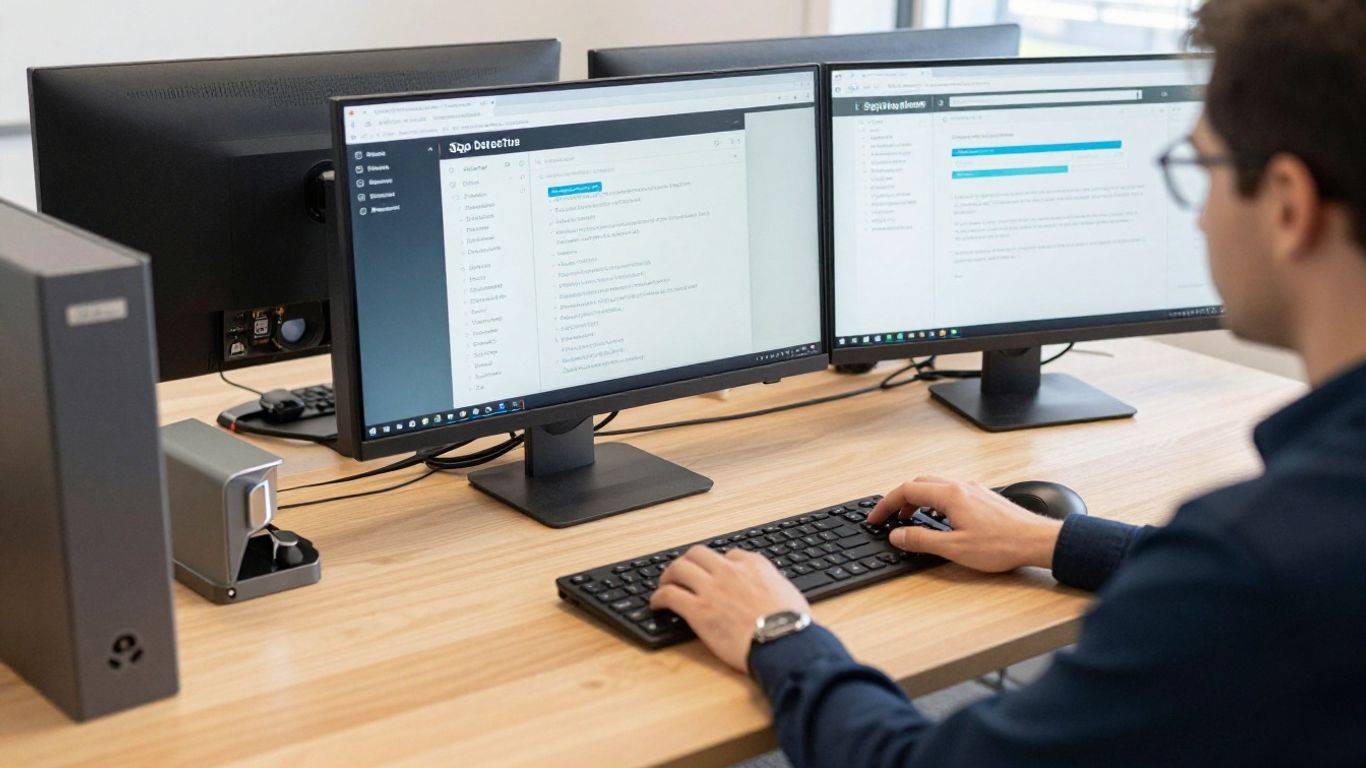
Comparing costs requires looking beyond just the sticker price of handsets and cabling. Many Brisbane businesses find that shifting toward modern models provides more predictable recurring costs than waiting for hardware to fail.
Capital expenditure versus operating expenditure
Traditional systems require large upfront investments in equipment that depreciates over time. Modern alternatives often move these costs into manageable operating budgets, allowing you to invest capital back into core business functions.
Maintenance, updates, and licensing fees
Routine care and software patches are handled differently depending on your chosen environment. Consider the following comparison of typical support structures:
| Feature | Legacy System | Modern VoIP System |
|---|---|---|
| Software Updates | Manual/Contractor | Automated/Cloud-delivered |
| Licensing Fees | Proprietary/Hardware | User/Concurrency-based |
| Technical Support | Specialist Hardware Tech | Managed IT Support |
After implementing a system that simplifies these updates, teams often find that day-to-day management requires significantly less intervention than older, proprietary platforms.
Savings on long-distance and international calling
Voice over Internet Protocol technology routing traffic through existing internet bandwidth naturally lowers costs on long-distance calls. Because these calls no longer traverse traditional telephone exchange lines, you can avoid legacy per-line fees and high international premiums.
Features and flexibility for remote work
The ability to take your office number anywhere has become a standard requirement for agile teams. Modern platforms ensure your staff stay connected whether they are in a branch office on the Gold Coast or working from their home in Brisbane.
Mobility through softphone applications
Softphone applications turn any device into a fully functioning business extension. This ensures that your team remains reachable without needing bulky hardware at every desk, providing several benefits for a distributed workforce:
- Immediate setup for new remote employees.
- Consistent calling experience across all devices.
- Access to company directories from anywhere.
- Ability to switch calls between devices mid-session.
This level of portability allows you to support hybrid or fully remote roles without sacrificing the professional communication standards your clients expect.
Integration with CRM and business software
Connecting your phone system to your business tools allows for better call logging and data management. When customer information automatically appears on the screen during an incoming call, staff spend less time navigating software and more time solving problems.
Team messaging and video conferencing capabilities
Combining voice with team messaging and video conferencing eliminates the need for separate, expensive platforms. Having everything in one application simplifies the user experience for staff who are already overwhelmed by too many tools.
Security and compliance considerations

Maintaining the safety of your communications is non-negotiable. Whether you are handling medical records or financial data, protecting your voice traffic is a primary responsibility for any business owner in South East Queensland.
Protecting voice traffic with encryption
Encryption protocols such as SRTP ensure that eavesdroppers cannot intercept call content over the internet. This is a critical security layer that traditional copper-wire systems lacked, making digital communication significantly more secure than legacy alternatives for sensitive information.
Managing user permissions and access control
Controlling who can access specific call features or sensitive phone logs is essential for compliance. Granular user permissions ensure that only qualified personnel can adjust system configurations, which helps prevent accidental or malicious changes to your infrastructure.
Reliability through failover and disaster recovery
Even a modest business can experience outages if internet connectivity is interrupted. Using robust failover strategies, where calls automatically reroute to mobile devices or secondary connections, ensures your business stays live through local weather events or service provider failures.
Making the transition to 3CX
Implementing 3CX requires moving through a structured plan to ensure your business continues running smoothly. A professional approach minimizes potential disruption to your staff and end-users.
Assessing your current internet bandwidth
Reliable voice quality demands stable upload and download speeds. Before installing a new system, verify that your local network can handle the concurrent call volume without degrading other essential business activities.
Strategies for porting existing business numbers
Most businesses want to keep their existing phone numbers to avoid notifying every client of a change. Coordinate with your managed IT support provider to plan the porting process so that calls transition seamlessly from your old provider to your new solution.
Staff training and change management best practices
New technology is only effective if your team feels comfortable using it. Dedicate time for training sessions to help staff learn features like call transfers, softphone navigation, and integrated messaging before the final cutover date.
Why businesses are switching to VoIP
Businesses consistently look for ways to improve efficiency while keeping teams reachable. Shifting to VoIP platforms is often the first step in creating a truly modern administrative environment across Brisbane.
Enhancing customer service with call queueing
Call queues ensure that no customer gets a busy tone when they call for support. Intelligent routing distributes these calls to available team members, keeping your service response times tight and professional during peak hours.
Supporting hybrid and flexible work environments
As working patterns shift, maintaining a professional office persona while staff work offsite is vital. These systems provide the necessary tools for staff to manage their work life balance while ensuring clients reach the right person every time.
Simplifying management for internal or managed IT teams
Centralized dashboards replace the need for physical rewiring or manual equipment adjustments. This simplification allows you to adjust extensions, call rules, and greeting messages with just a few clicks, or offload management to your IT partner.
Conclusion
Making the decision to move away from outdated infrastructure is a proactive step toward resilient business operations. Whether you are looking for better regional mobility for your Brisbane team or seeking cost efficiencies, upgrading to 3CX offers a stable pathway forward. We encourage you to contact our team or book a free IT assessment to start reviewing your current setup and planning a transition that works for your specific business requirements.
Frequently Asked Questions
How does moving to a software-based phone system affect internet usage?
It consumes a small amount of your available bandwidth, but for most standard business connections, the impact is negligible unless your daily call volume is exceptionally high.
Can I keep my existing office phone numbers?
Yes, number porting allows you to move your current business numbers to a modern system, ensuring that your clients do not experience any loss of connectivity.
What happens to my business communications during an internet outage?
Modern systems typically include failover settings that allow calls to be automatically routed to mobile phones or alternate connections until your primary service is restored.
Is it hard to train staff on a new phone platform?
Most users find modern softphone apps intuitive as they function similarly to standard smartphone and desktop messaging applications, which usually shortens the learning curve compared to legacy handsets.
Do I need to buy expensive new hardware for every employee?
One of the main benefits is that you can often use existing computers, headsets, and mobile devices, significantly reducing the need for new physical equipment.
How long does a typical migration take to complete?
While every environment is different, organized planning and number porting processes generally allow for smooth migrations that minimize disruption to your workday.
Can I integrate my phone system with my current CRM software?
Yes, most professional communication platforms offer native integrations with common CRM tools to help your team manage contact records and lead data more efficiently.